

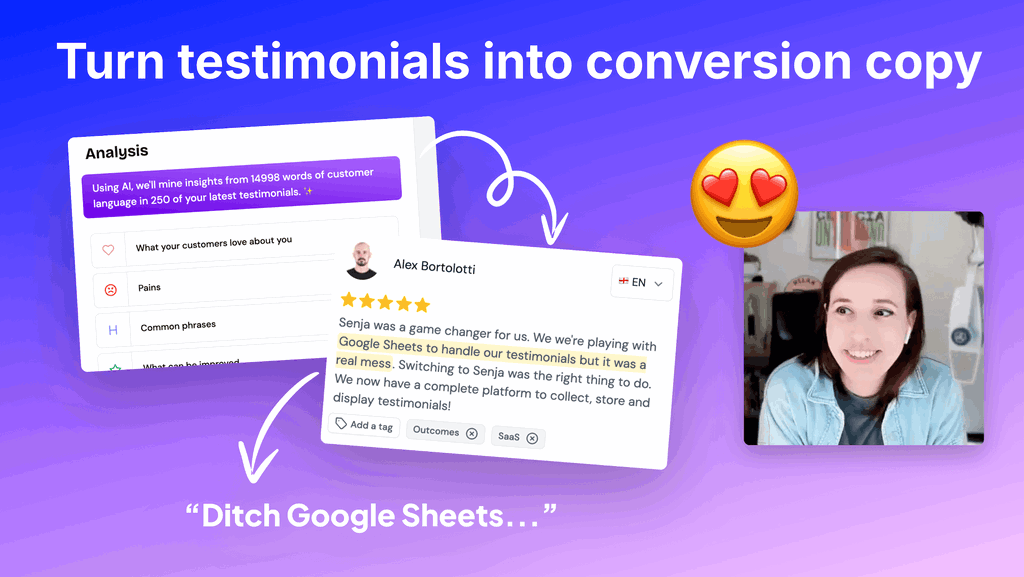
Did you know you could analyze your testimonials in one click right from inside Senja?
In seconds, you’ll learn what customers love, what pain points they had before you and what common phrases they use. Whip your sales pages and emails into shape with the real words of your customers.
Senja’s Analyze feature (built right into your Senja dashboard!) makes it SUPER QUICK to pull keywords, highlights and talking points for your next launch. You can back up those snippets with your real testimonials, all from right within Senja. Get started by following the steps below!
This is a recap post from Senja’s Open Office Hours. Every week, we dig into how to collect, manage and share testimonials so you can sell with social proof. Watch the replay from this session and join us for the next one!
Top Takeaway: Use Senja as your messaging homebase
Using Senja to collect testimonials is just the first step of what you can do with this powerful sales tool. You’ve now started a word of mouth database that’s at your fingertips anytime you need to grab it for promotions, email templates, podcast episode ideas and more!
Use Senja’sAnalyze featureto quickly generate:
-
What customers love
-
Pain points your customers have
-
Common phrases they use
-
Improvements you can make
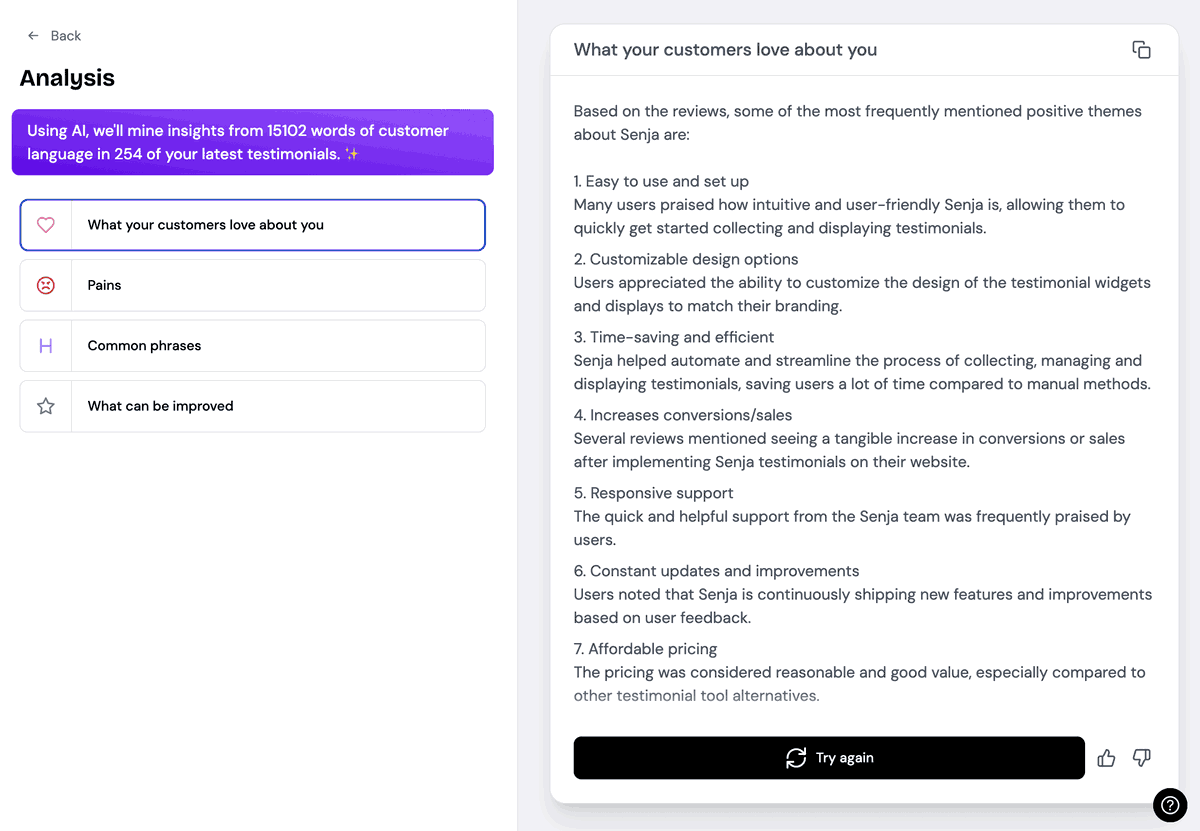
How to turn your testimonials into conversion copy
Step 1: Head to the analyzer!
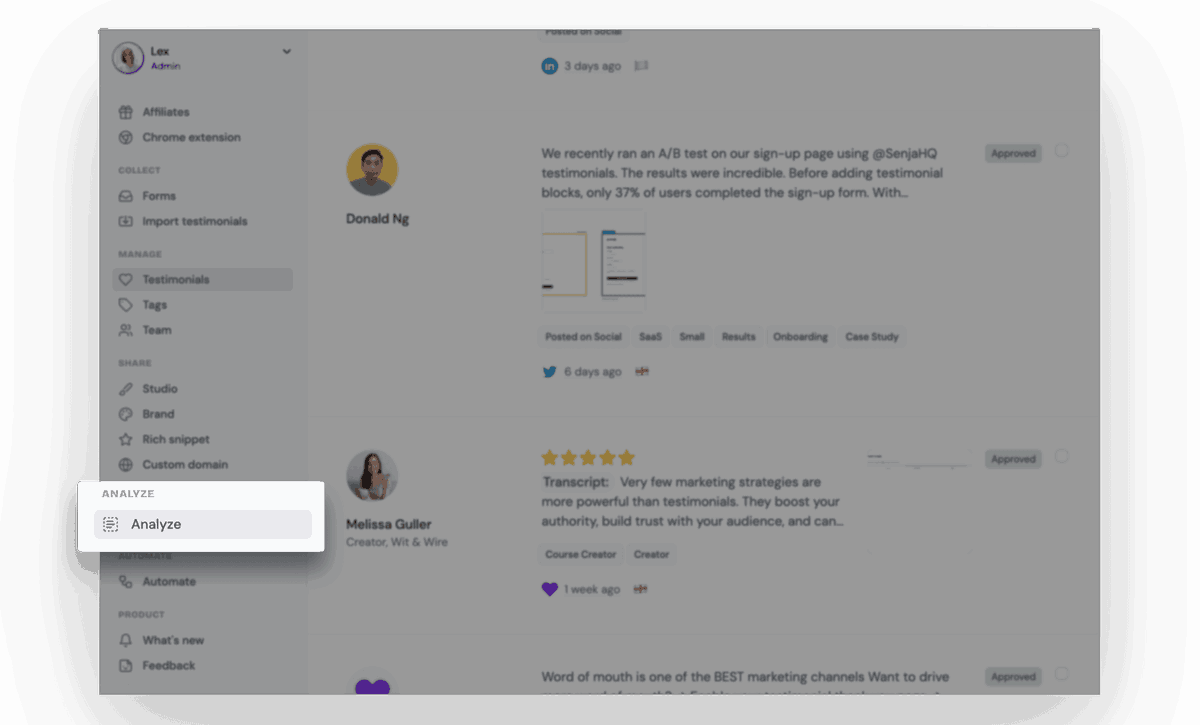
You’ll find our Analyze tool right below our Share features. Click “Analyze” and you’ll see four aspects you can get Senja to scan your testimonial library for.
Step 2: Generate your testimonial takeaways
Use the analyzer to generate:
-
What your customers love about you
-
Top pain points
-
Common phrases
-
What can be improved
Senja will run through your ENTIRE testimonial library scanning for these themes and once you see the output, you can hit the copy icon in the upper right to save it. Then, you can hit “try again” if you want to see if it can do even better!
You’ll find keywords, phrases, benefits, pain points, unique angles and all kinds of gems you can use as your messaging building blocks.
Step 3: Plug your favorite Analyze snippets into a copy prompt
We wrote some for you—see below—and you can also use swipe files or an AI tool to come up with the right format for wherever you’re going to use this copy. Subject line copy is quite different from a LinkedIn post hook and Senja can come to your rescue for both!
Steal our copy prompts! Simply copy your favorite bits from the results you get from Step 2 into these:
What customers love about you, your product or your service
-
What if you could (💜 LOVE HIGHLIGHT)?
-
Our customers love most how we (💜 LOVE HIGHLIGHT)
-
We are consistently praised for (💜 LOVE HIGHLIGHT)
-
The biggest value is (💜 LOVE HIGHLIGHT)
Solving pain points
-
(💜 CUSTOMER NAME) couldn’t believe they wasted so much time with…(💜 PAIN POINT)
-
The top thing it solves? (💜 PAIN POINT)
-
You’ll never deal with (💜 PAIN POINT) again
-
We know you’re sick of (💜 PAIN POINT)
Confirm “this is for me”
-
(💜 CUSTOMER NAME) was unsure we could fix (💜 PAIN POINT) but they said (💜 TESTIMONIAL HIGHLIGHT)
-
Our solution is especially well made for (💜 PERSONA TAG) who say they love (💜 LOVE HIGHLIGHT)
Bonus: Grab the testimonials to back it up!
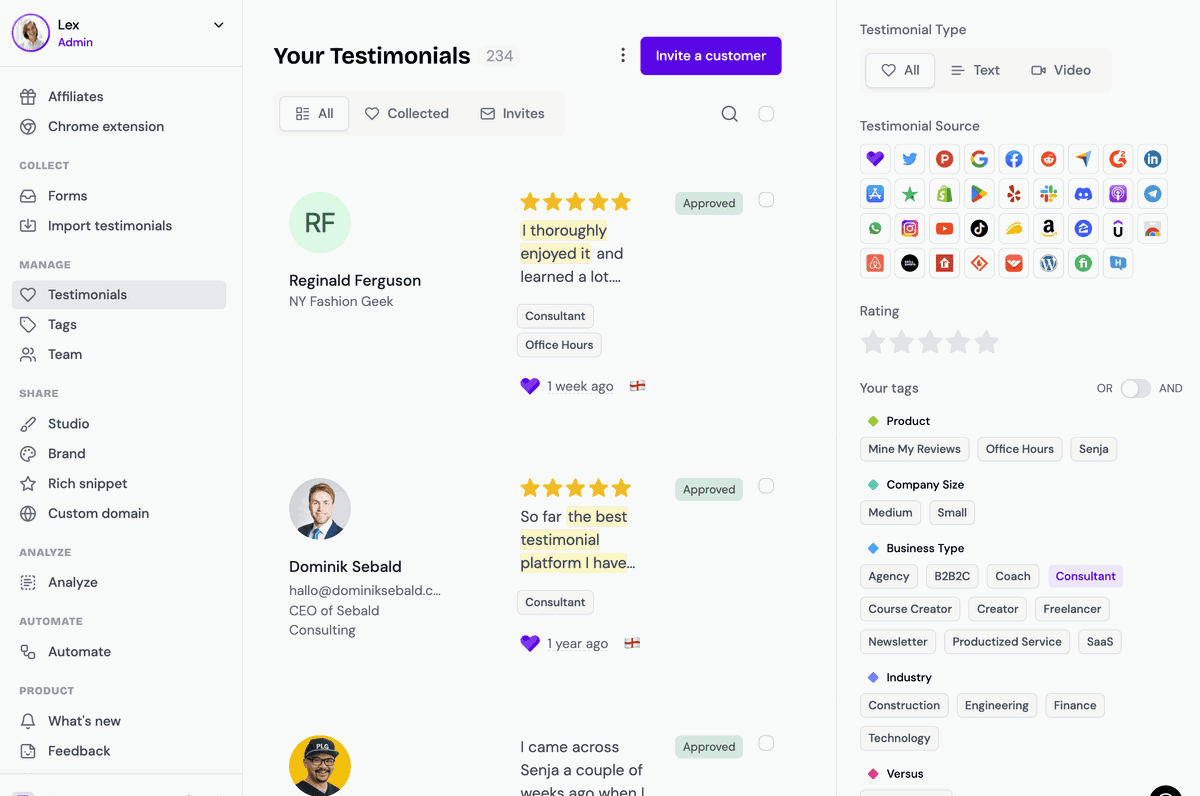
Your copy lands stronger when you back it up with the actual quotes from your customers. Once you’ve got your analyzed snippets, browse/search/filter your testimonial library in Senja to find a couple testimonials.
You can search by customer name or filter by source, tags, type and rating.
Put it all together
Using Senja’s Analyzer, the copy prompts and a couple testimonials, you’ll end up with something like this:
Dominik couldn’t believe they wasted so much time with other testimonial platforms. He loves how fast Senja responds to his requests.

See how we backed up our copy claim with some real proof from a customer! You can do it too!
You can use this conversion copy anywhere you are growing, promoting or selling. Here’s some places we’d try out:
-
Subject lines
-
Promo emails
-
Sequences
-
Lead magnets
Product pages
-
Product names
-
Product descriptions
-
Highlighted reviews
Landing pages
-
Headlines
-
Pull quotes
-
Features and benefits
-
Hesitation busters
-
Calls to action
-
“What customers love” section
Webinars
-
Features and benefits for live pitches
-
“What customers love” section
Ad creative
-
Use testimonials as the hook “I didn’t believe this was real”
-
Titles and descriptions
-
Testimonials can become visual creative
Product Hunt and App Store/Play Store
-
In launch screenshots
-
In changelog
-
In launch messages “you’ve asked for this feature…”
Gumroad
-
Cover and thumbnail
-
Product name
-
Product hook (top couple lines)
-
Product description
Social media
-
Hook for social media posts “No one’s done this better”
-
Post ideas (inspired by real customer benefits, real pain, real customer stories)
-
Testimonials as post creative
Amazon
- Product description (great for books and workbooks!)
Kajabi
-
Course description
-
Course benefits
-
Course before/after
-
Real student stories (write a case study around the testimonial!)
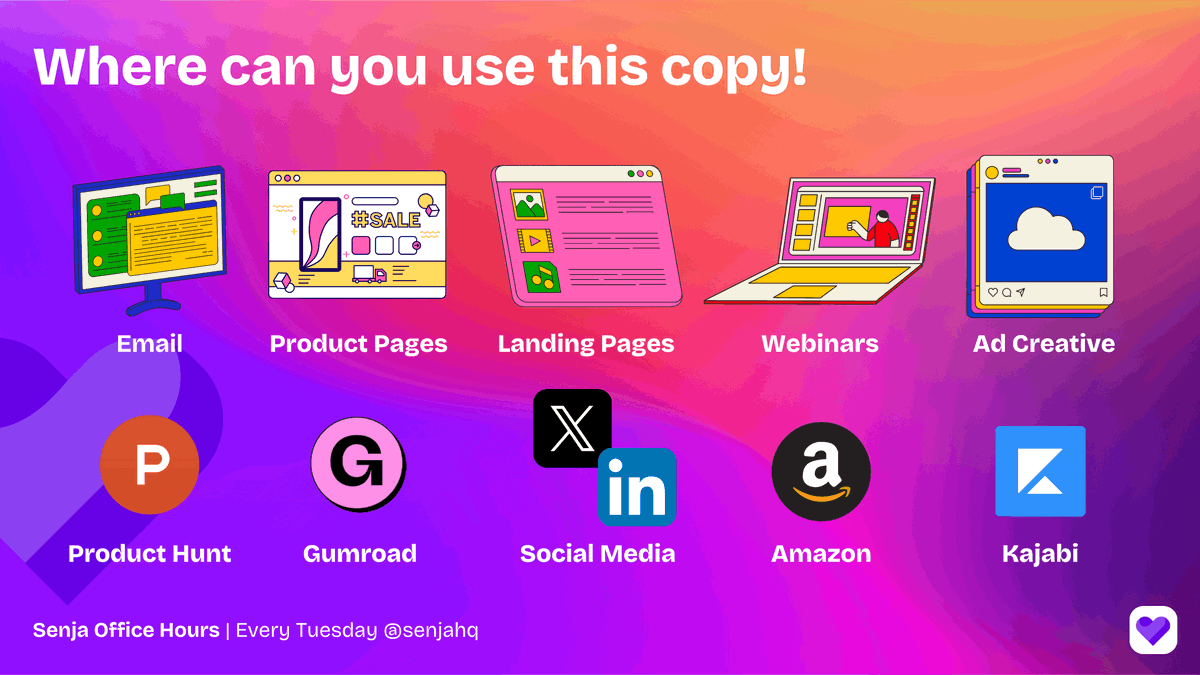
Using Senja as your messaging homebase punches up your copy anywhere you’re plugging your products or services. Your testimonials—the real words of your customers—back up your promises and show your prospects they can trust you.
Want to sell more with social proof? Come to Senja’s Open Office Hours! This is a recap of one of those live sessions. Every week, we dig into how to collect, manage and share testimonials so you can sell with social proof. Watch the replay from this session and join us for the next one!
Not yet using Senja? Sign up free and start collecting testimonials today.