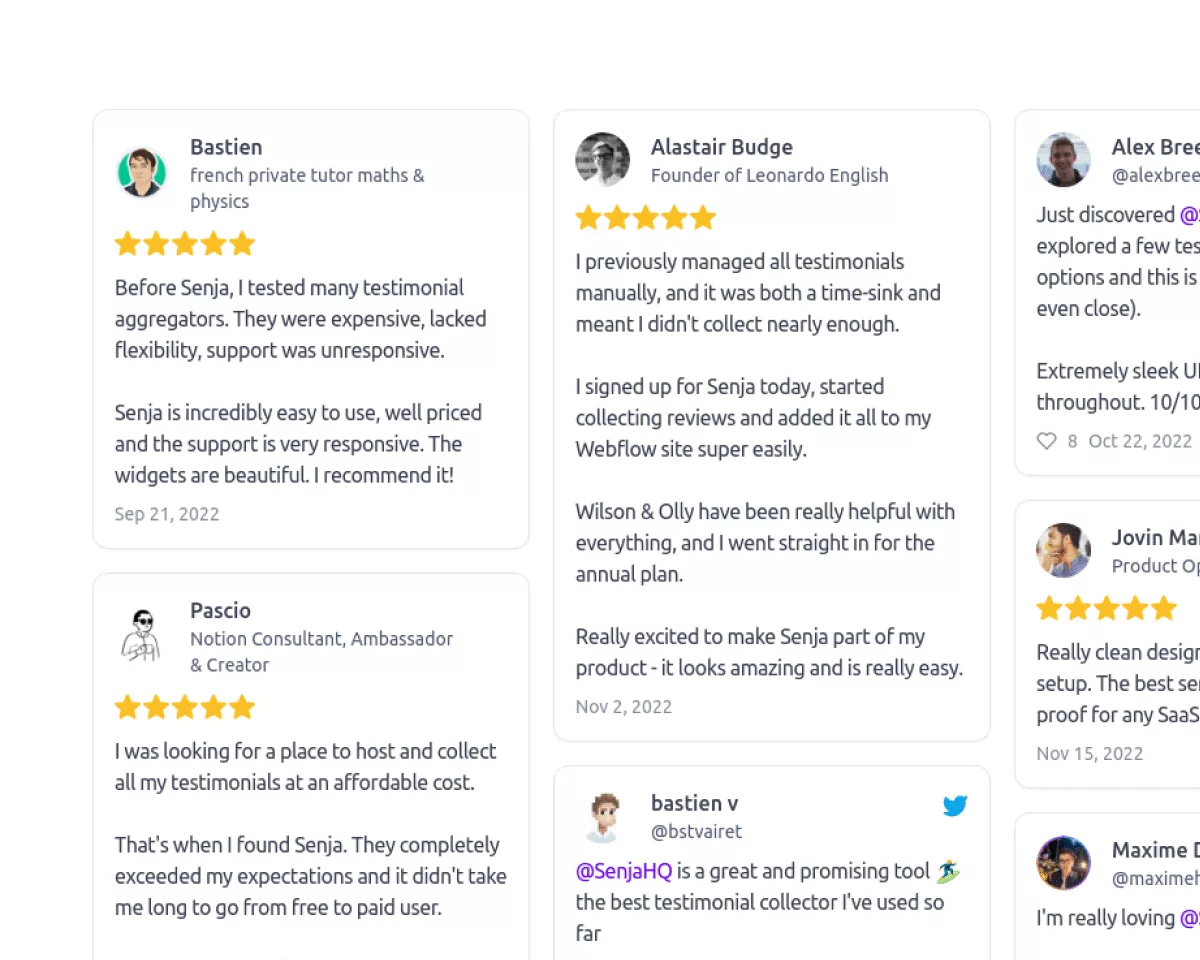
Share Testimonials
Add Testimonials to Your Website
See how Senja integrates with the platforms you love to help you add text and video reviews to your website, course or booking pages without code.

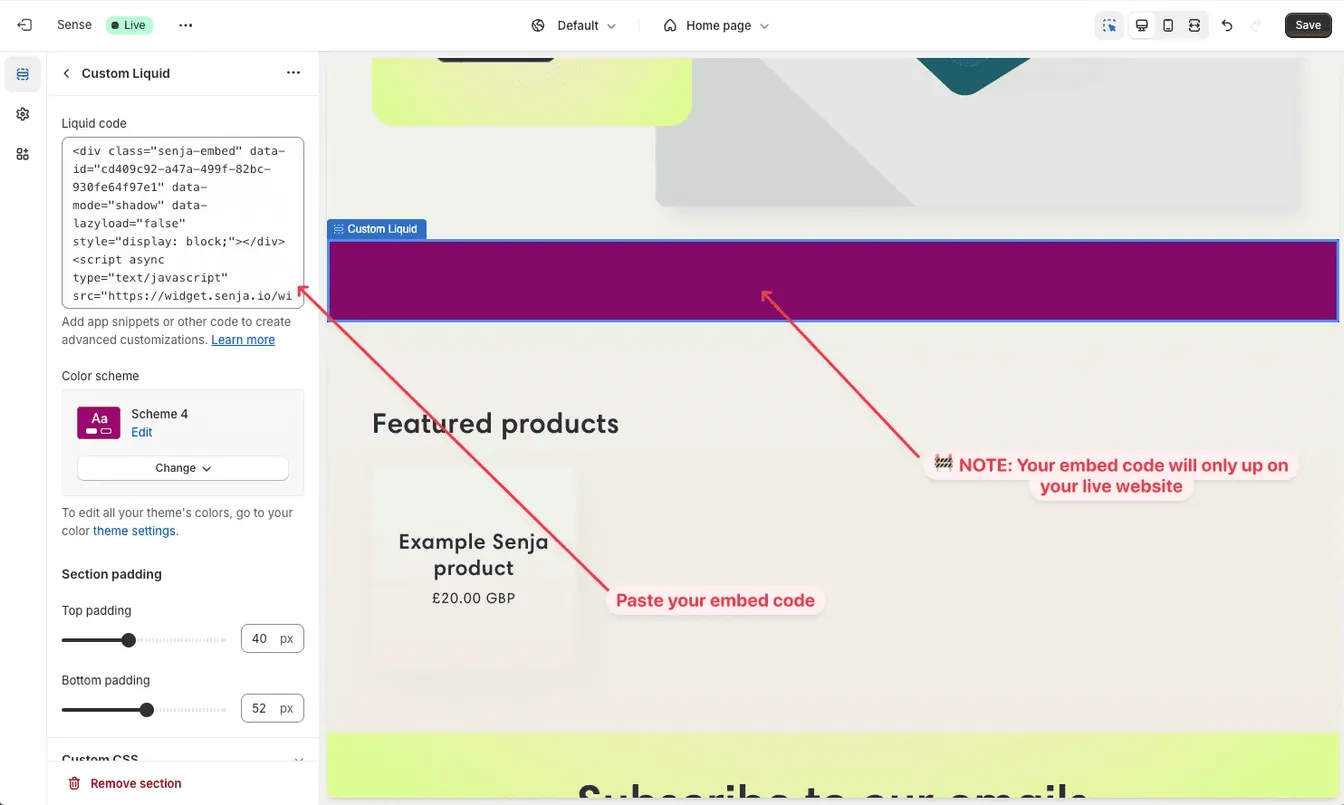
How to add Testimonials to Shopify
Adding testimonials to Shopify provides instant social proof, enhances your SEO, increases trust and credibility, and leads to more sales.
- 1Import your testimonials in minutes
- 2Create a widget for your testimonials
- 3Add your widget to Shopify
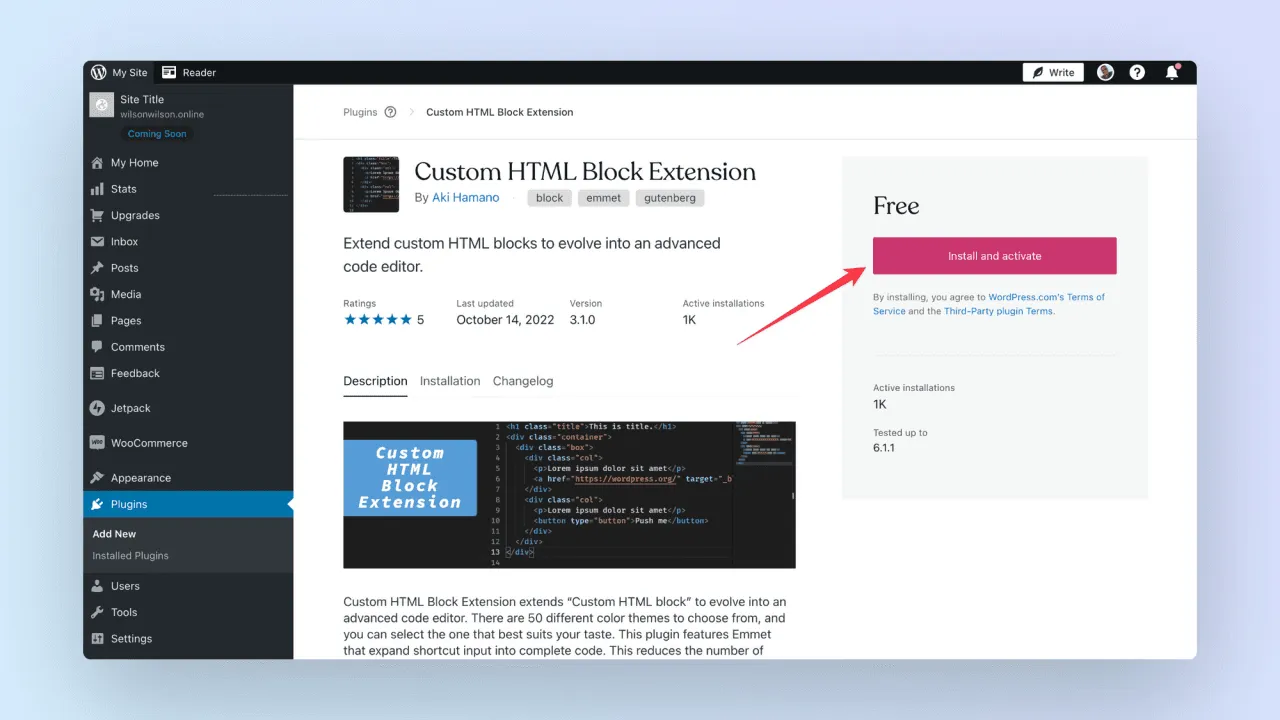
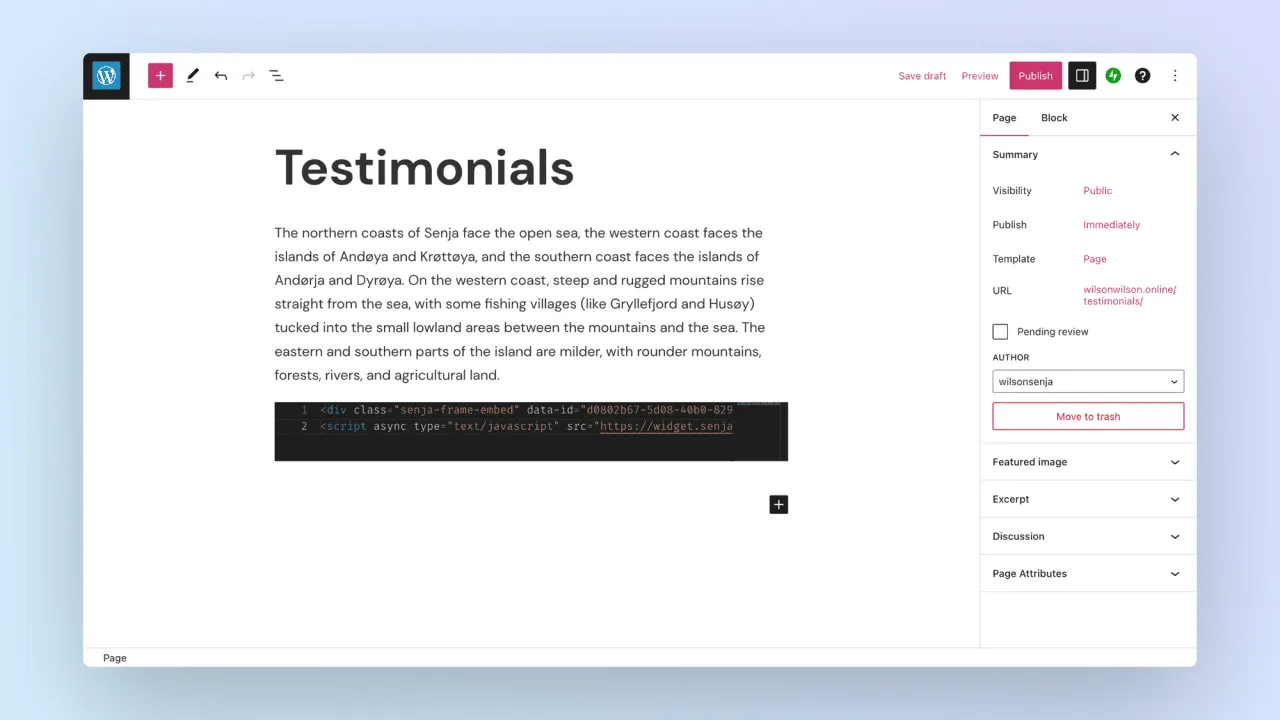
How to add Testimonials to WordPress
Adding testimonials to your WordPress site enhances your brand’s reputation through social proof, improves your site’s SEO with dynamic content, builds trust among users exploring your site, and helps convert visitors into loyal customers.
- 1Import your testimonials in 2 minutes
- 2Create a widget for your testimonials
- 3Add your widget to WordPress
How to add Testimonials to Elementor
With Elementor, testimonials seamlessly blend into your site’s design, add credibility through compelling social proof, improve SEO with fresh content, and motivate potential customers to take action with striking visual layouts.
- 1Import your testimonials with ease
- 2Create a widget for your testimonials
- 3Add your widget to Elementor
How to add Testimonials to Squarespace
Integrating testimonials into your Squarespace design amplifies your social proof, makes your site more competitive in search rankings, reinforces your brand’s credibility, and helps turn browsers into buyers with visually engaging layouts.
- 1Instantly import your testimonials
- 2Create a widget for your testimonials
- 3Add your widget to Squarespace

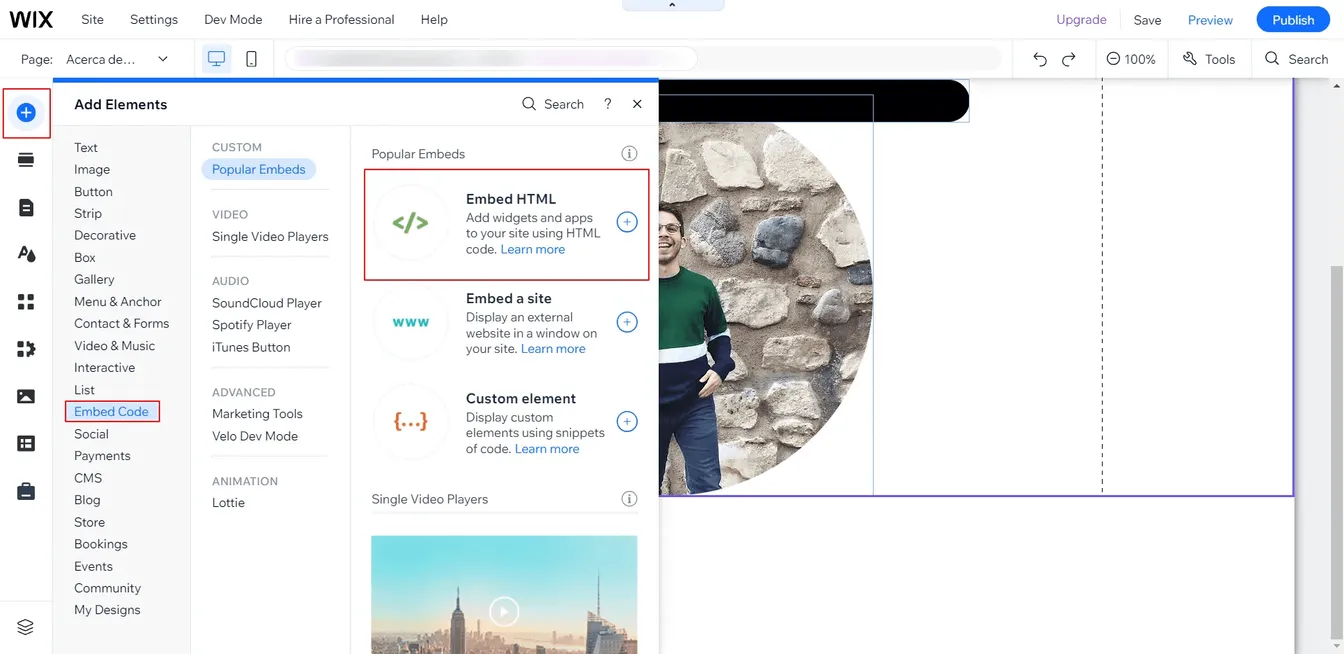
How to add Testimonials to Wix
On Wix, testimonials offer a sleek way to add social proof, make your site more discoverable through optimized content, foster trust with your audience, and help drive purchases or service bookings directly through your customizable site.
- 1Import your testimonials
- 2Create a widget for your testimonials
- 3Add your widget to Wix
How to add Testimonials to GoDaddy
Adding testimonials on GoDaddy strengthens social proof for small businesses, improves visibility in search engines, instills confidence in your services or products, and simplifies converting traffic into sales on an accessible platform.
- 1Easily import your testimonials
- 2Create a widget for your testimonials
- 3Add your widget to GoDaddy

Share Testimonials
More ways to customize and share than anywhere else. No code, ever.
Stand out with 1,000s of testimonial templates, images, website widgets and Walls of Love not found anywhere else. Create and share in seconds in the exclusive Senja Studio.