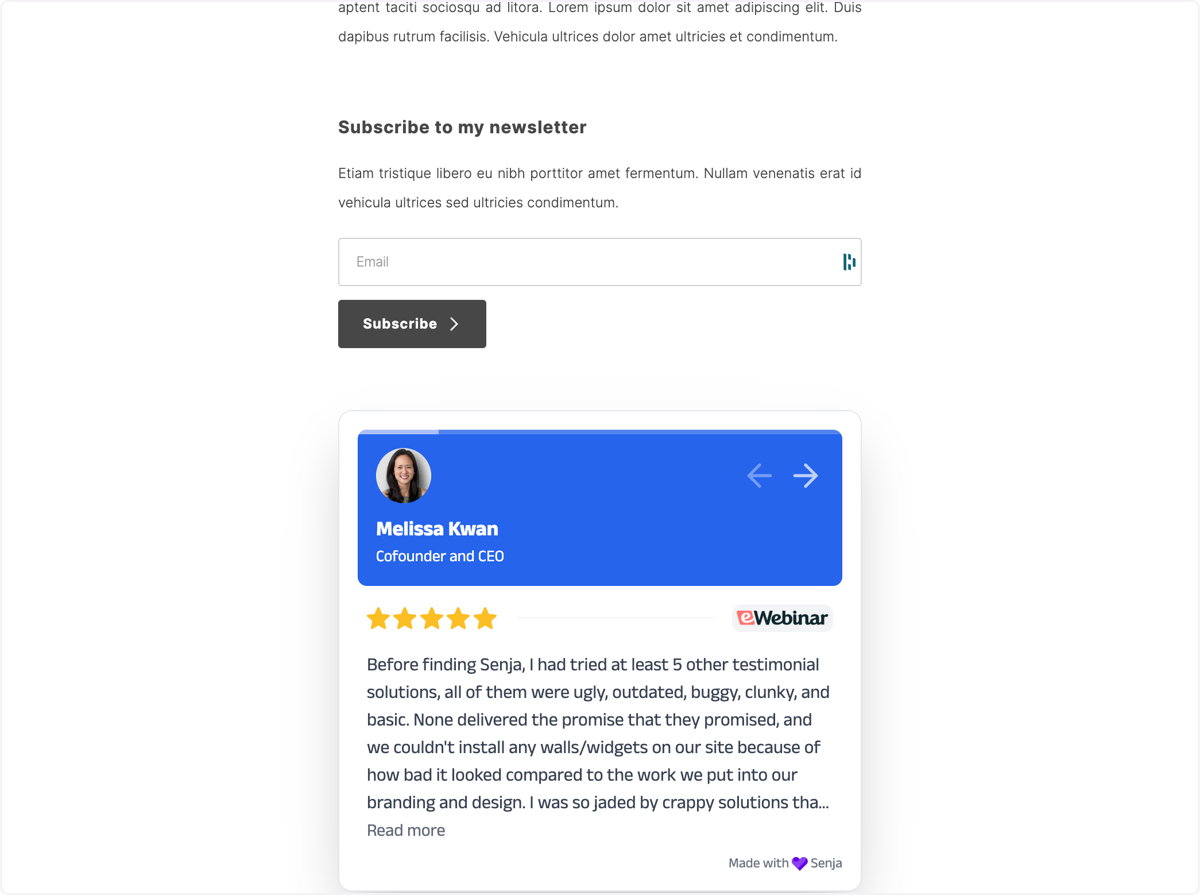


If you’re looking to add testimonials to Carrd, you’ve come to the right place.
If you're not a developer or you've never done this before, knowing where to start can be difficult.
In this guide, we'll show you how you can add testimonials to any Carrd Website in 3 easy steps for free.
This step-by-step guide will help you get up and running in the next 5-10 minutes. Let's get into it.
Why embed testimonials on Carrd?
One word, credibility.
Adding testimonials to Carrd provides instant social proof, enhances your SEO, increases trust and credibility, and leads to higher conversion rates.
It allows potential customers to see real opinions about your products or services directly on your site. It also improves your search engine rankings, getting you more traffic.
What is Senja?
Senja is a free tool that makes it easy to collect, manage and share your testimonials anywhere on the web.
Senja comes with 100s of ways to share your testimonials for free, including review widgets (ex. review sliders, carousels and walls), testimonials images, rich snippets and Walls of Love. With Senja, you can easily add a review feed to any website without a single line of code or custom plugins.
In this guide, we'll use one of their free review widgets to add your reviews to your Carrd website, no plugins required!

How it works
- Create a Senja account and import your reviews
- Create a free and customizable testimonial widget that matches your brand
- Add it to your Carrd Website by copying and pasting the embed code
Step 1: Import your testimonials
Visit the Senja dashboard and sign up for an account. It's free and only takes 2 minutes.
Now go to the import page. Here you'll be able to import your reviews and customer love from over 17 sources including Google, Youtube, Slack, and Whatsapp.
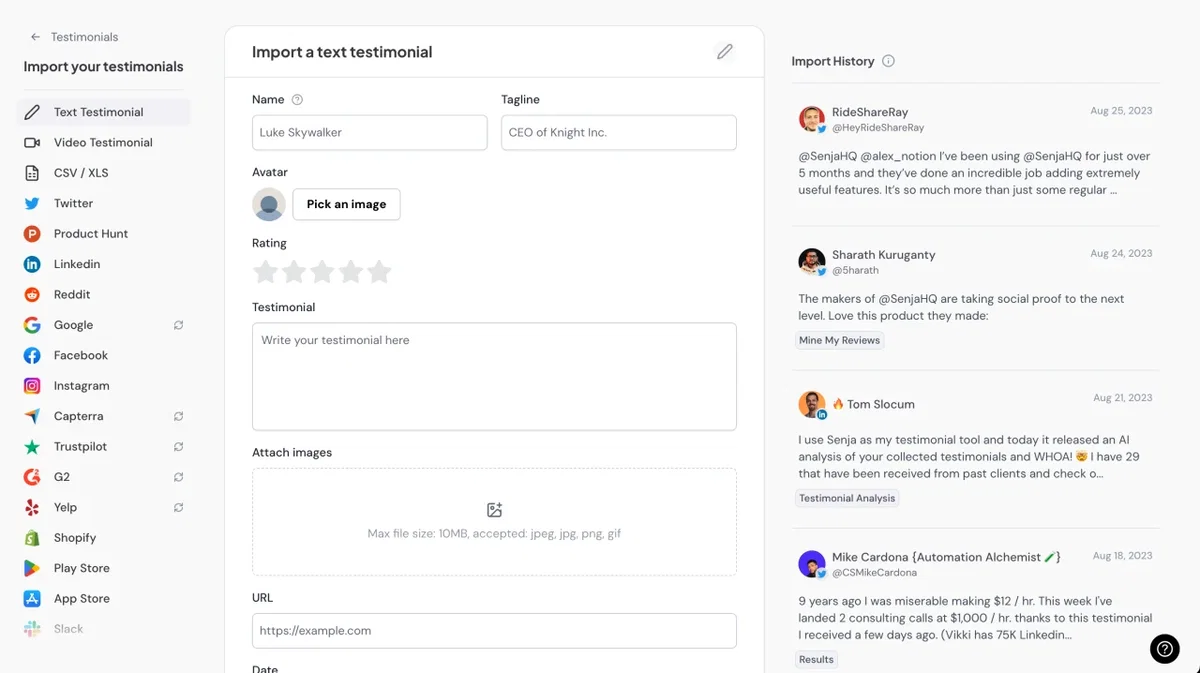
Once you're done importing, head back to the testimonials page.
Now you should see all the testimonials you imported in your Senja account. That's all for step one! Now let's add your testimonials to your Carrd Website 🎉
Step 2. Create a widget for your testimonials
Now that you've imported your testimonials, you can finally add them to your website.
To do this, we'll create a Senja widget. Don't worry, the process will only take a couple minutes.
To get started, click on the Studio button in the Senja sidebar.
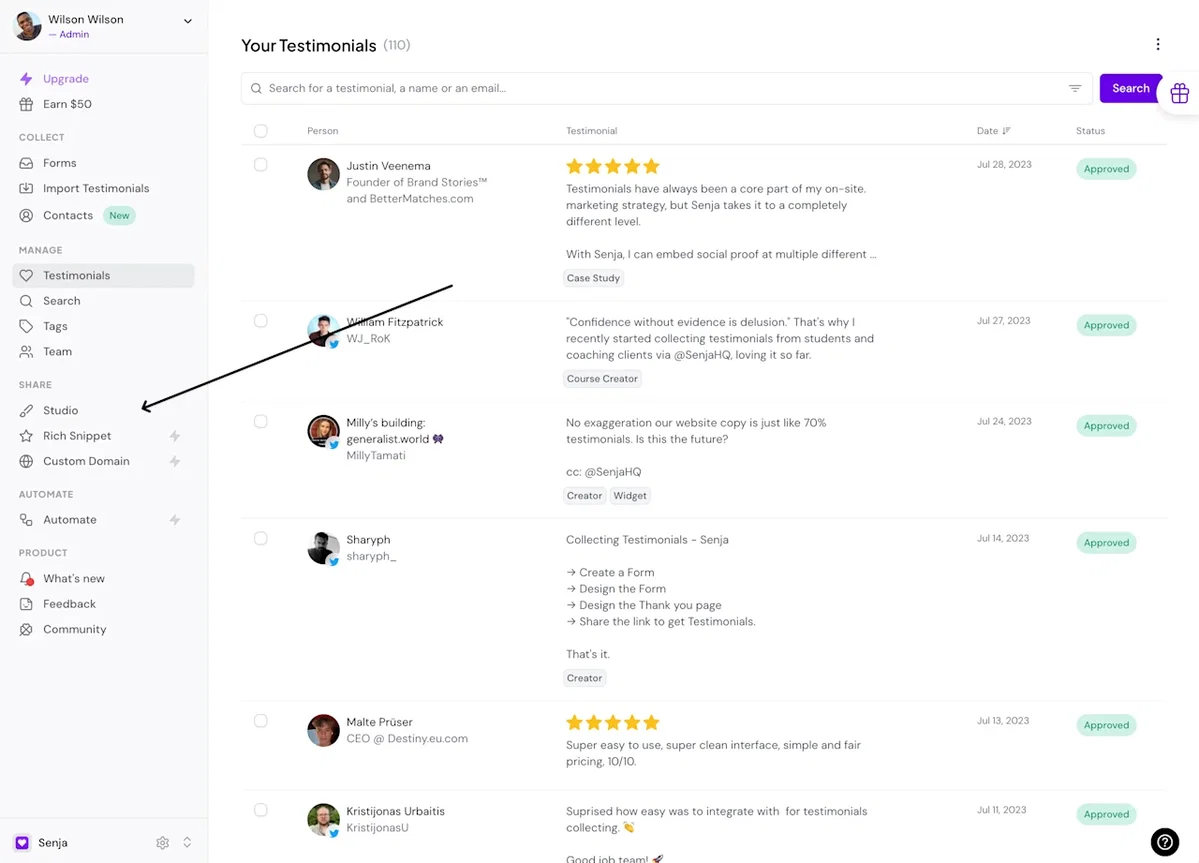
Immediately, you'll see all the sharing options available in Senja.
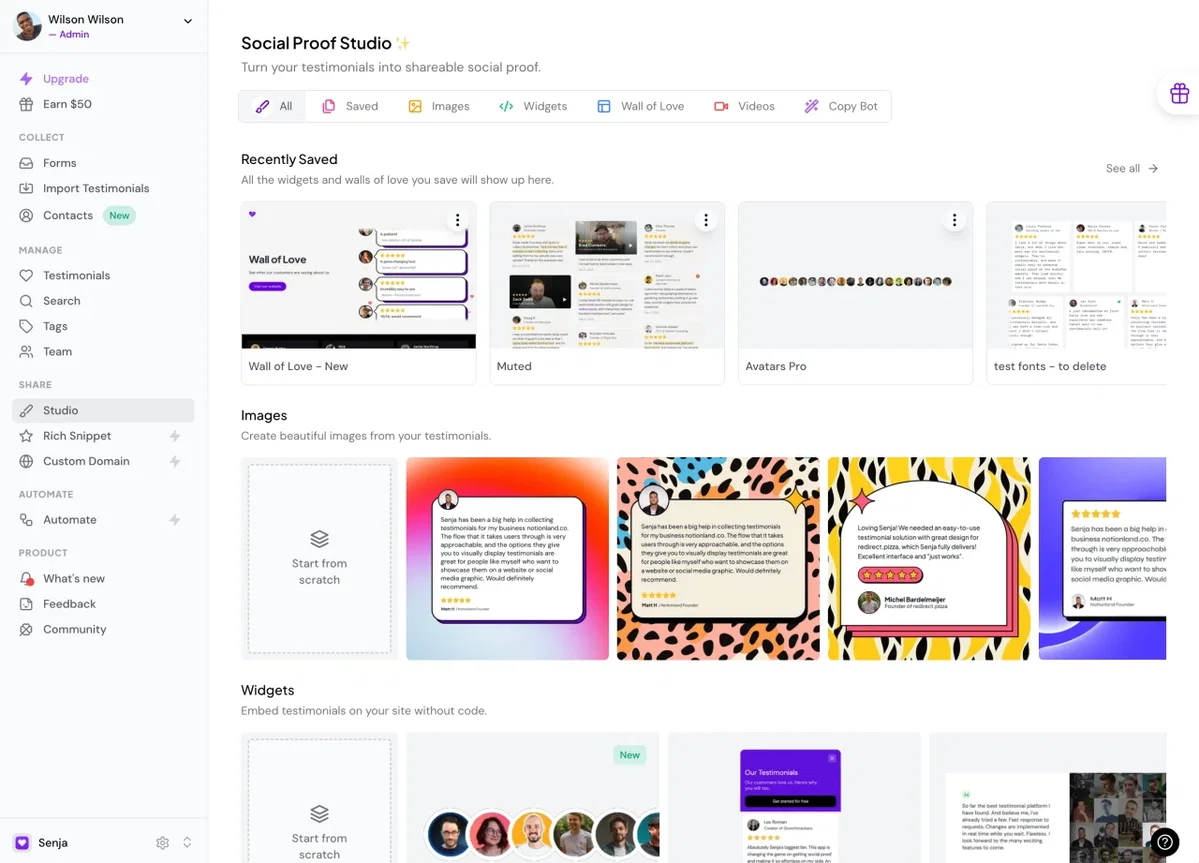
Other than embedding your testimonials on your Carrd Website, Senja lets you create beautiful images you can post on social media, as well as stunning Walls of Love that you can use to showcase your best testimonials.
Since we're trying to embed testimonials on our website, let's click on the widgets tab.
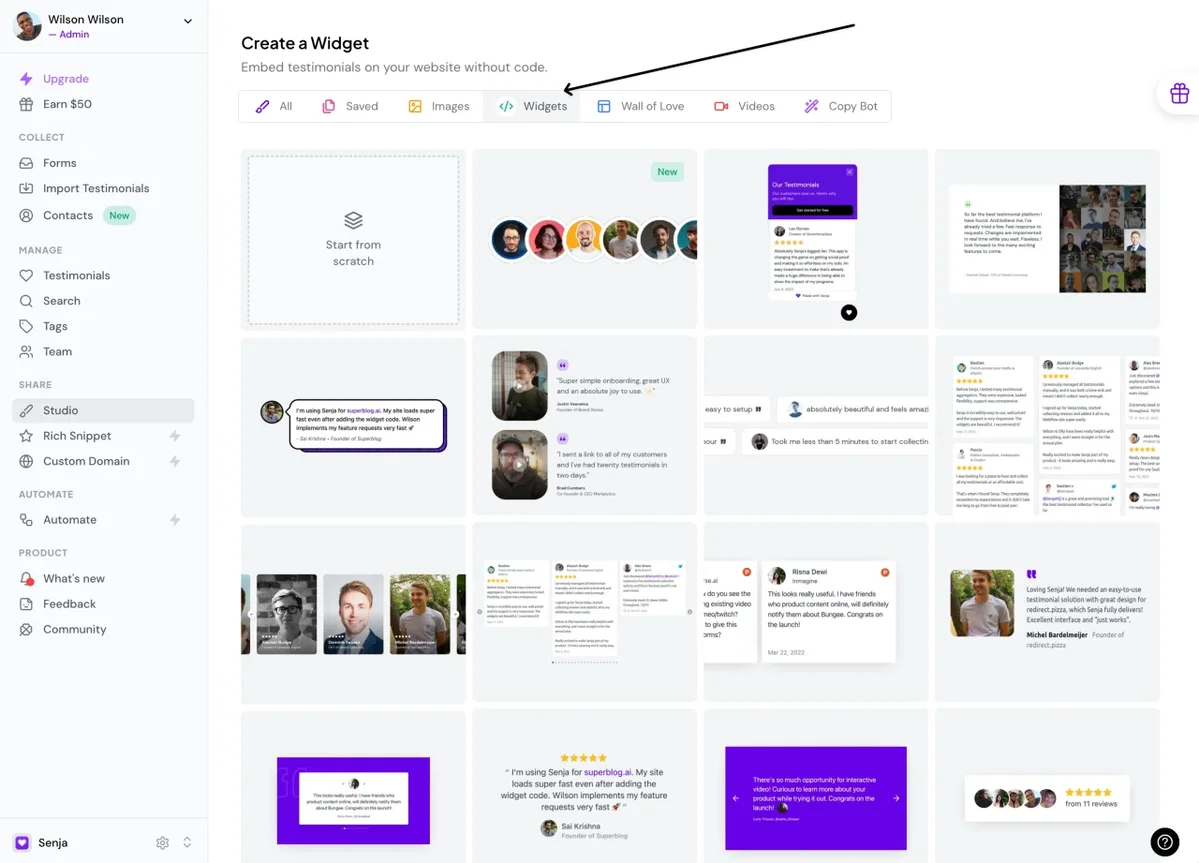
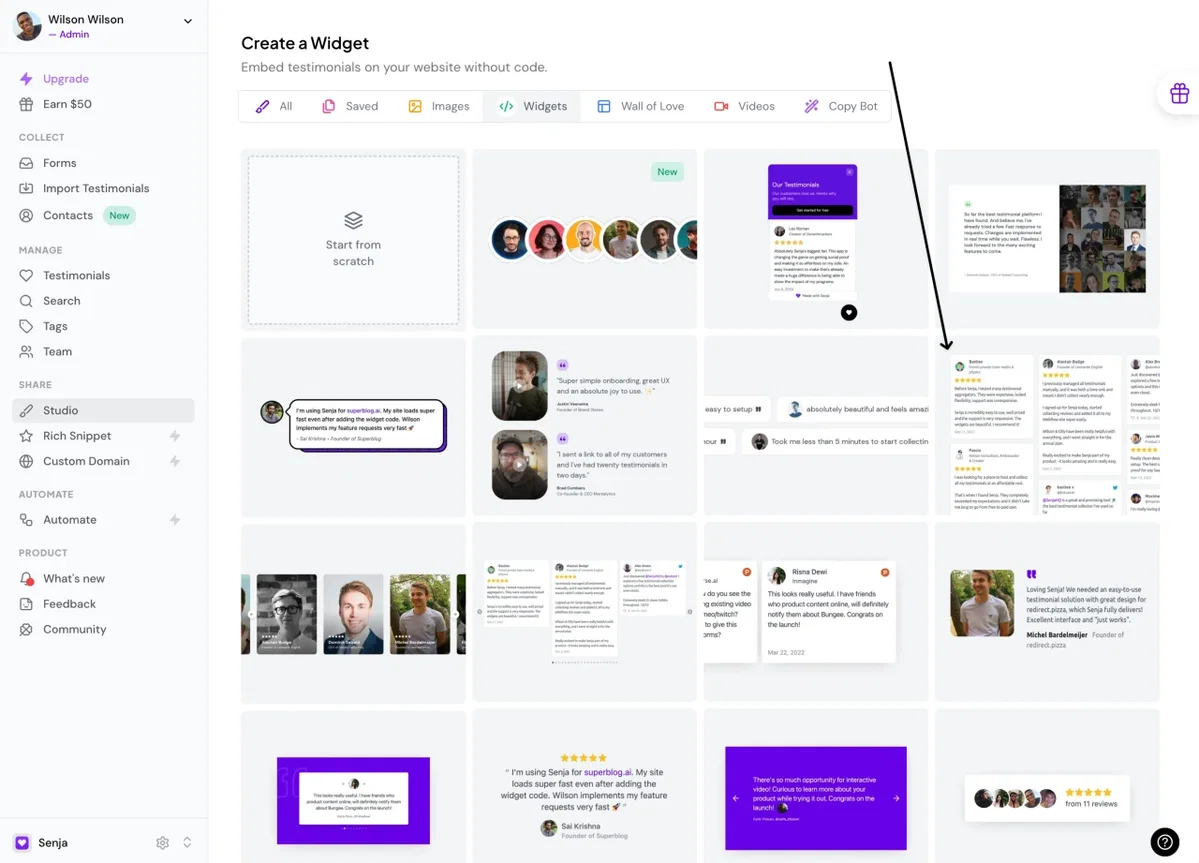
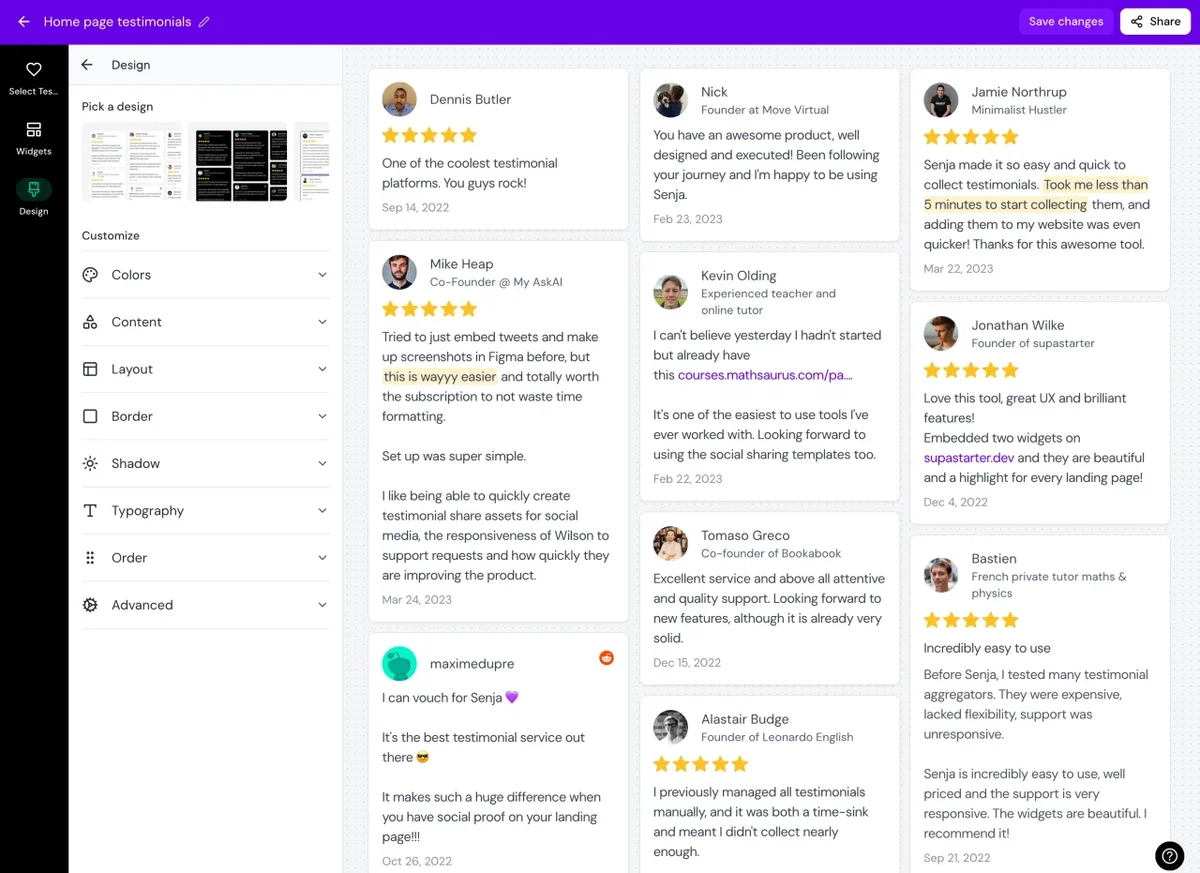
Now you can select a widget template you want. For this example, I'll use this grid widget.
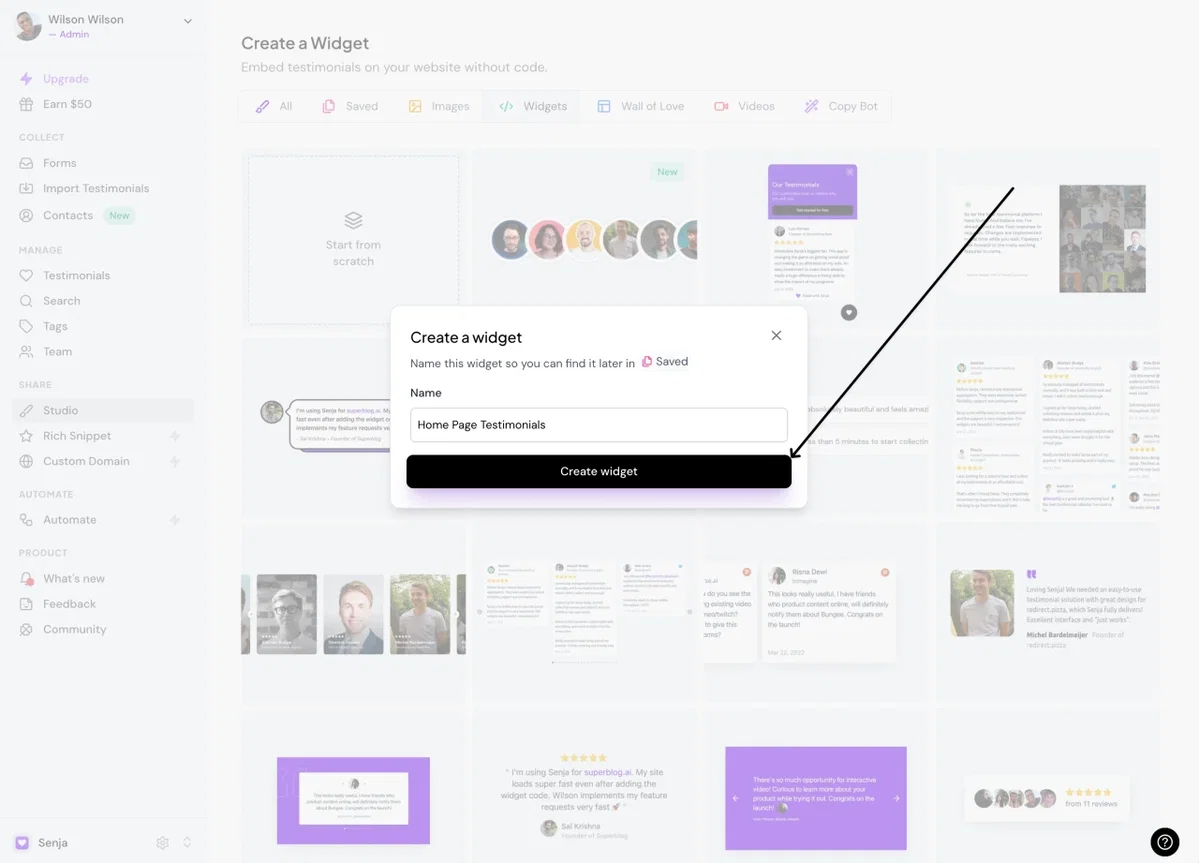
I want to put my testimonials on my home page, so I'll call this widget "Home Page Testimonials" and hit the "Create Widget" button.
And you're done! Now you already have this beautiful testimonial widget that you can add to any page of your website.
Senja has dozens of templates and customization options to choose from. You can pick any of them and see how your widget looks.
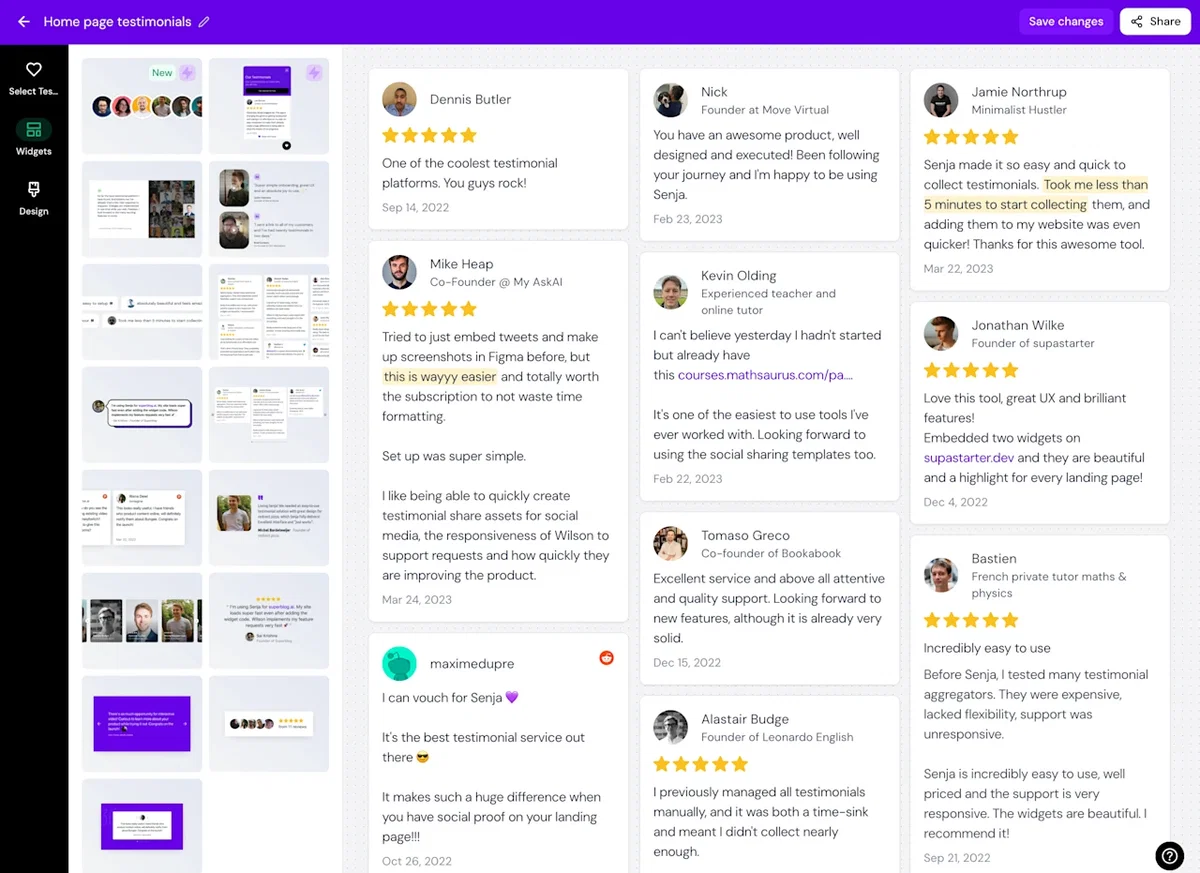
You can also customize the colors (background color, link color, text color etc), shape and style of any widget to match your website's design perfectly 🎨
Step 3. Add your testimonial widget to Carrd
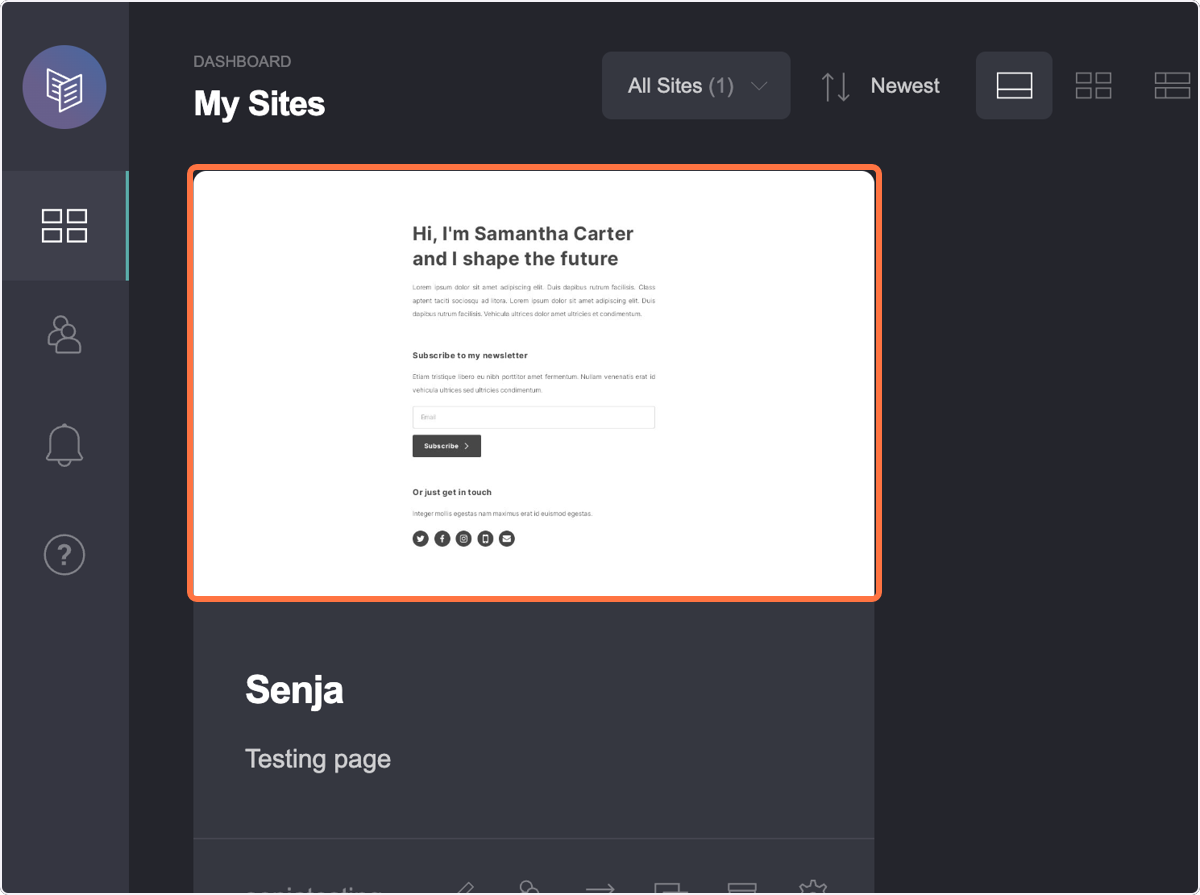
Click on the site you want to add your testimonials to
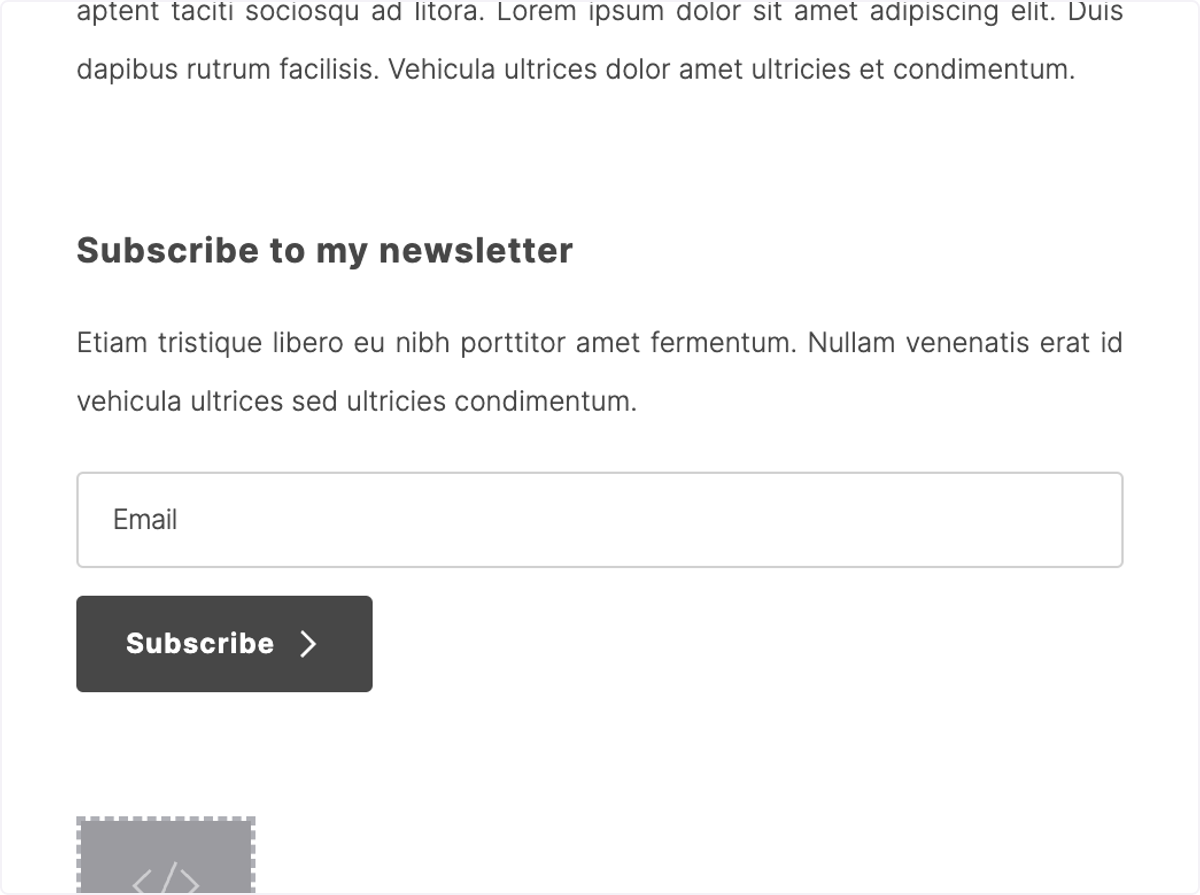
Click on Add
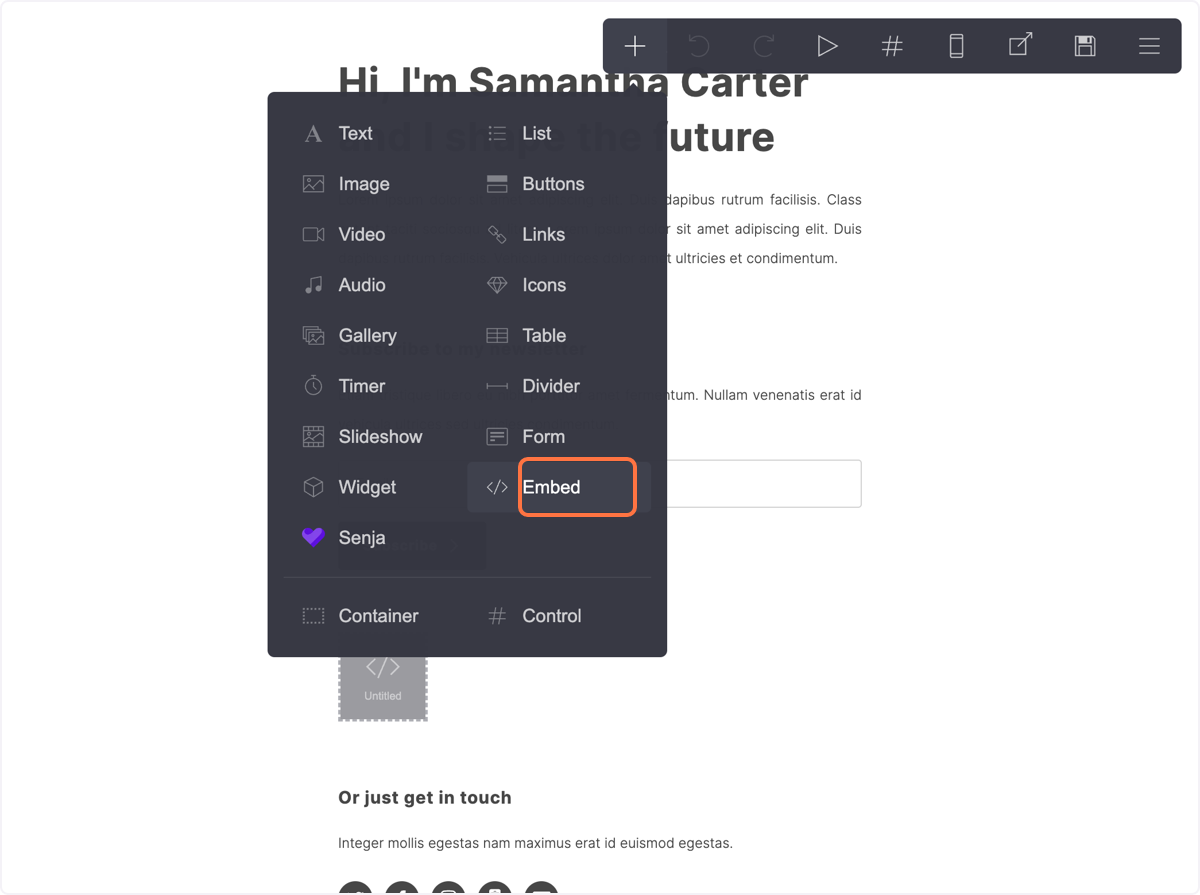
Click on Embed
Click on the Code field
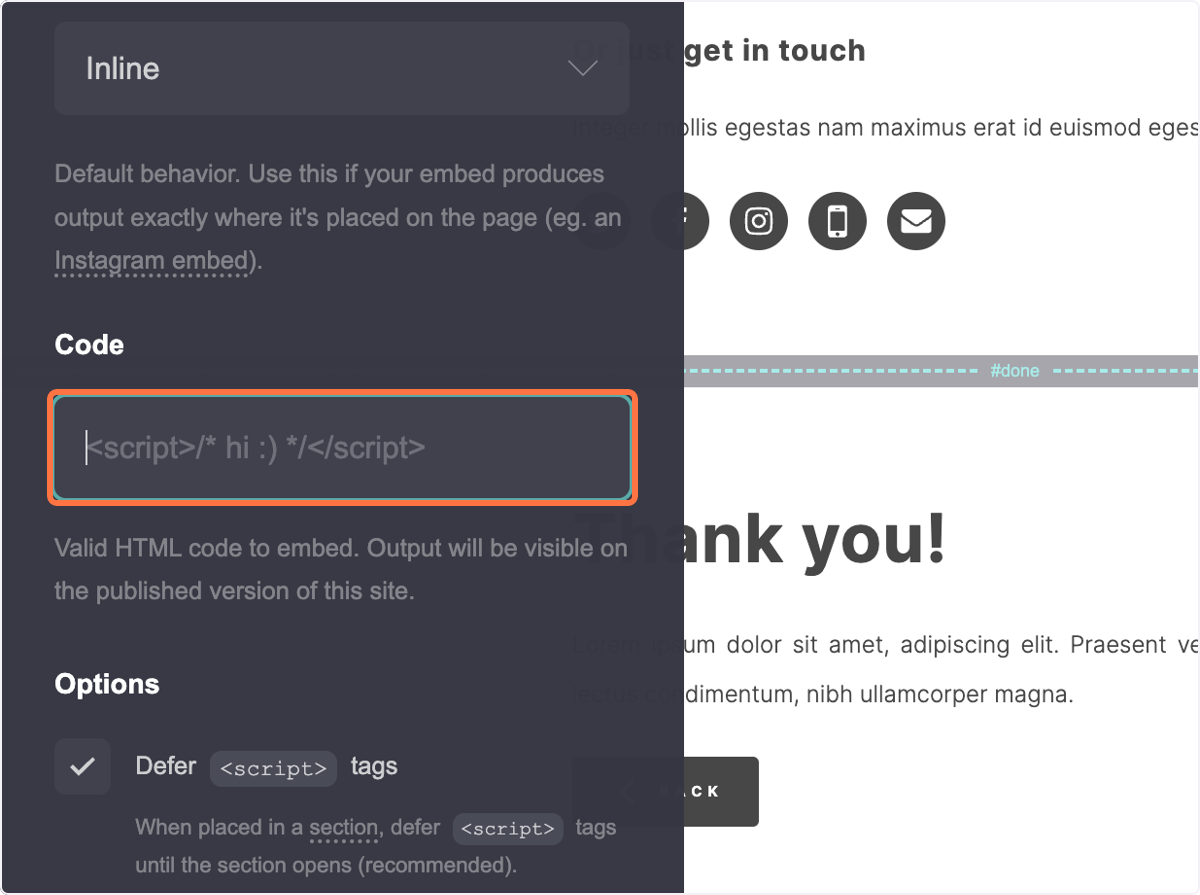
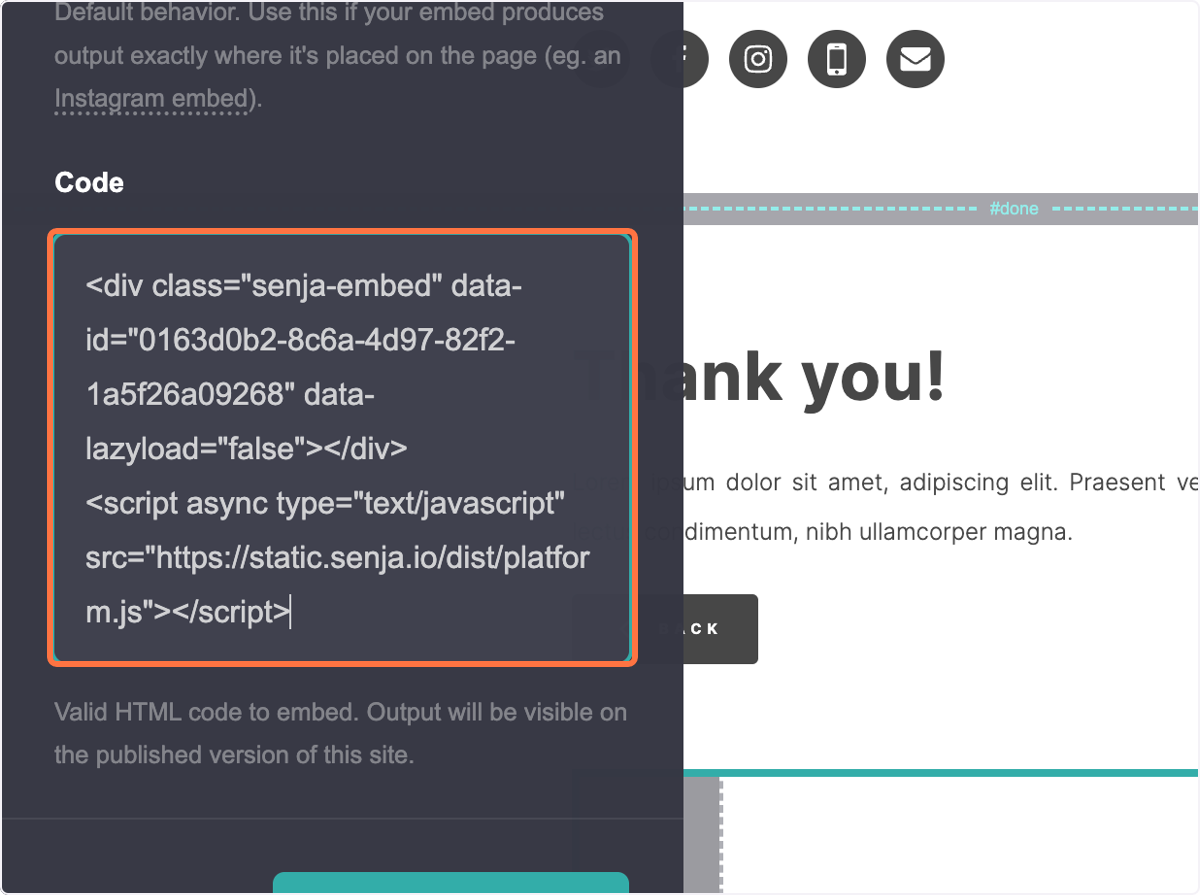
Paste your embed code
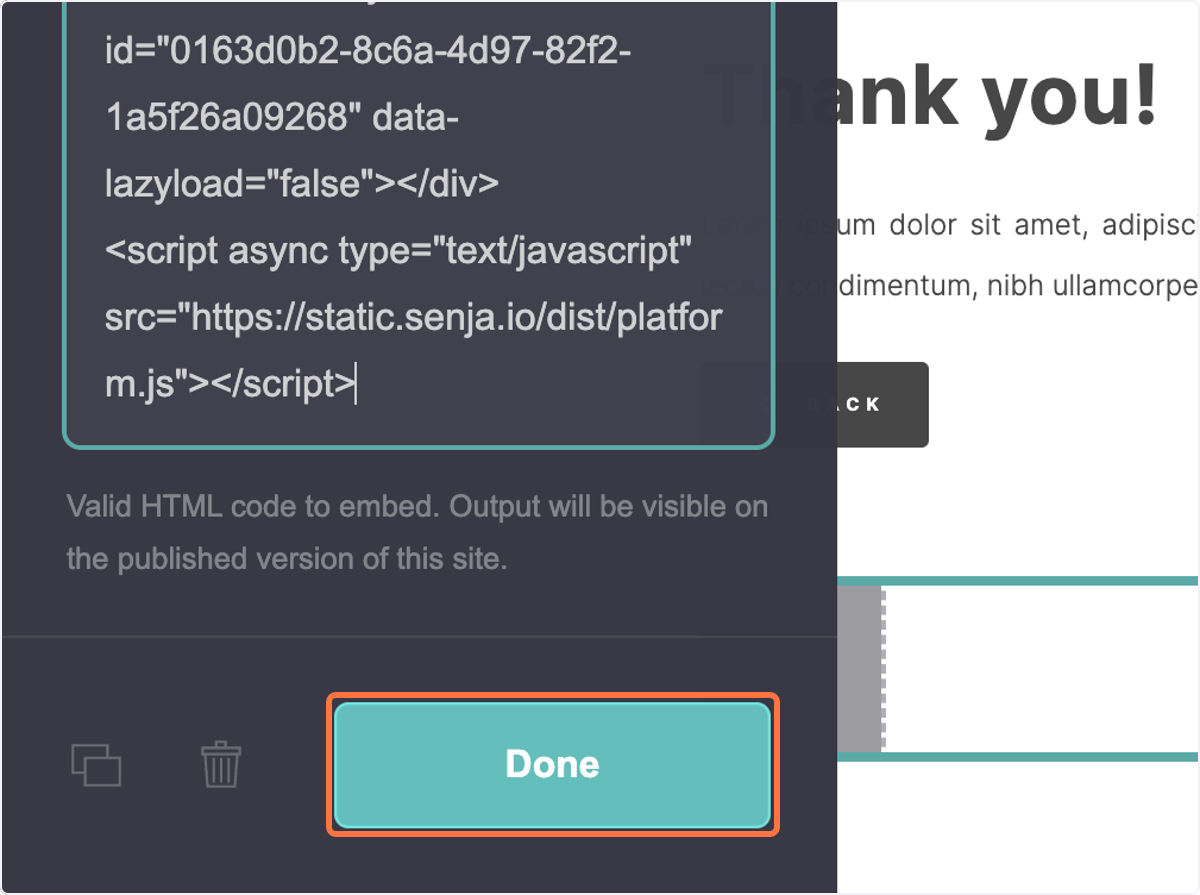
Click on Done
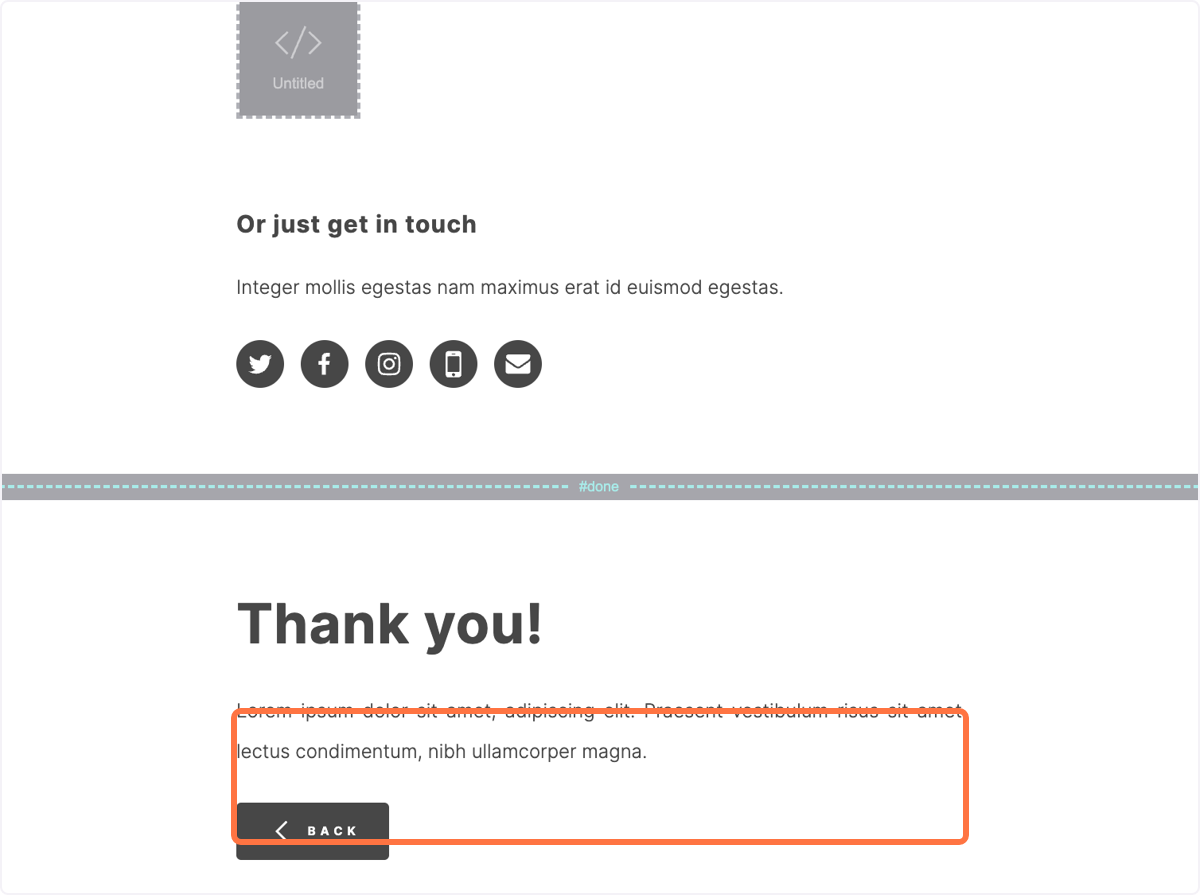
Drag the widget emebed element
Move it to where you want the testimonial widget to show on your Carrd page
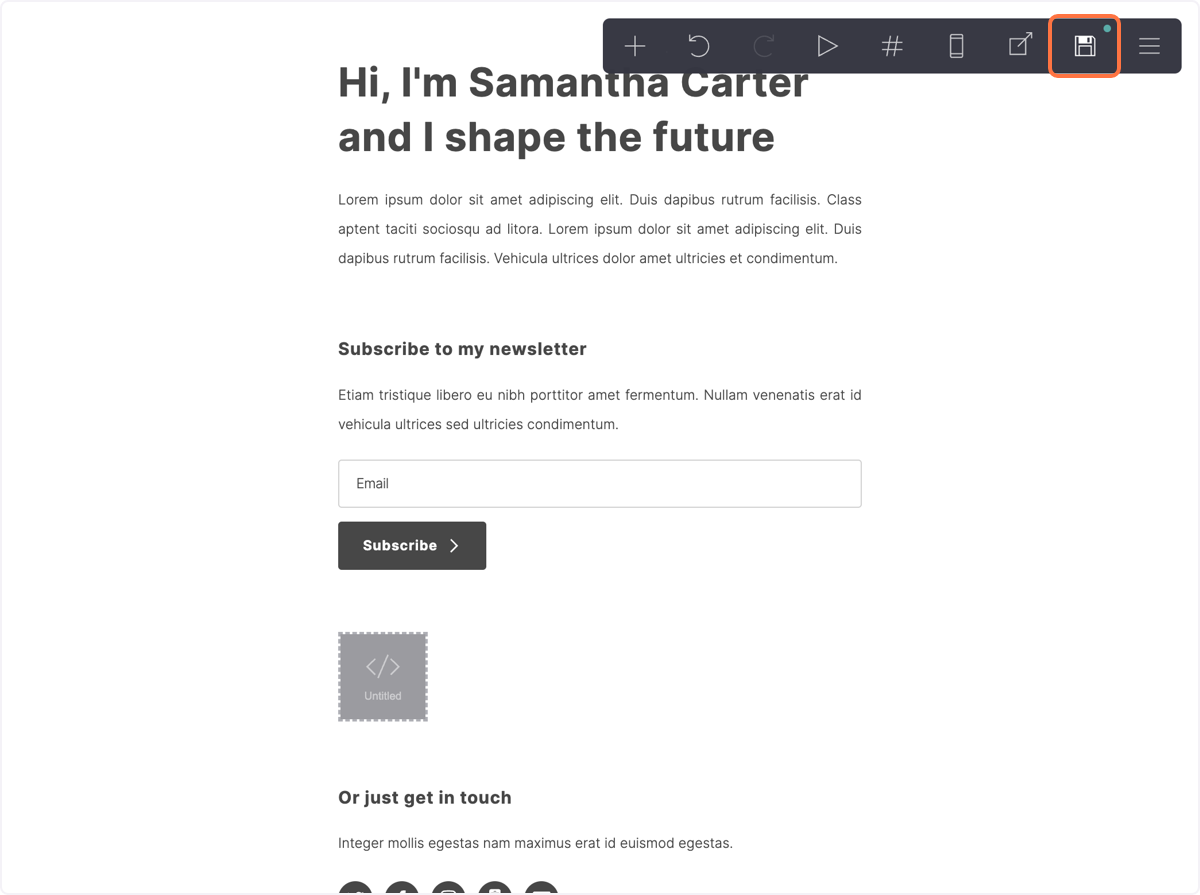
Click on Publish
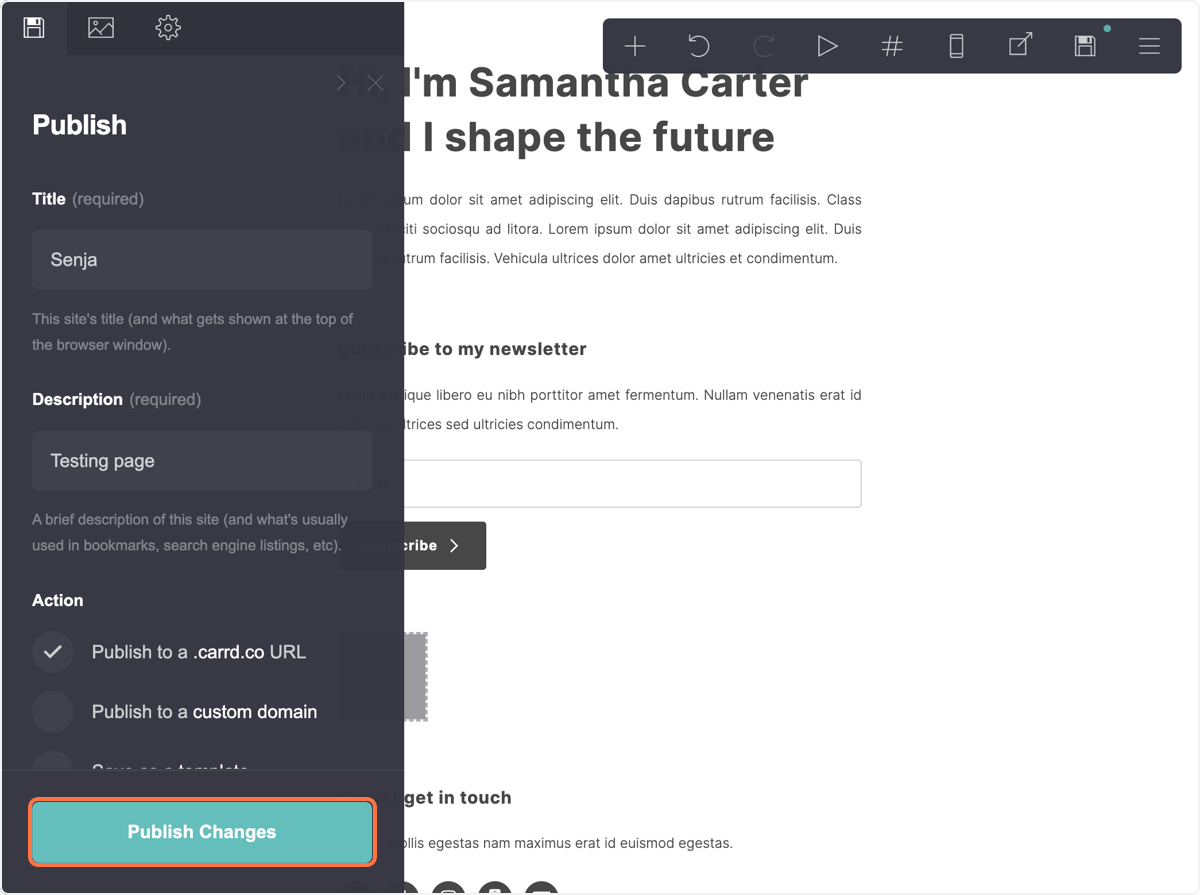
Click on Publish Changes
Your Senja widget is now live on your Carrd website 🎉